Examples that show the possibilities

See the clips we can build from your content.

Different styles, different platforms, one goal — turn your message, footage, reviews, photos, offers, or business details into short-form clips people can understand fast.

Fast turnaround and friendly
Platform-ready formats
Made to match your brand
Clip styles we create

Built for every platform. Backed by strategy.

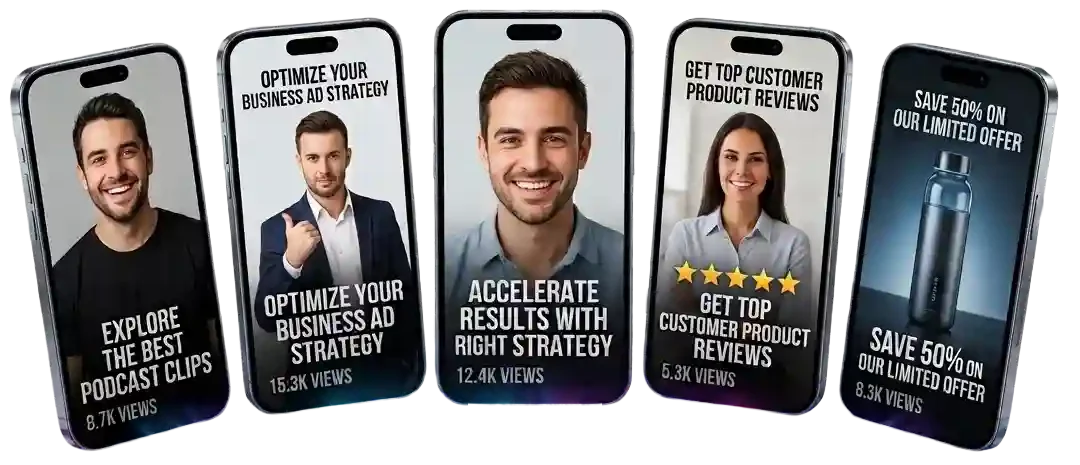
These examples show how podcasts, meetings, job footage, offers, coaching clips, and business content can become clean short-form clips that are easier to review, approve, and post.

More ways to turn content into short clips.

Coaching

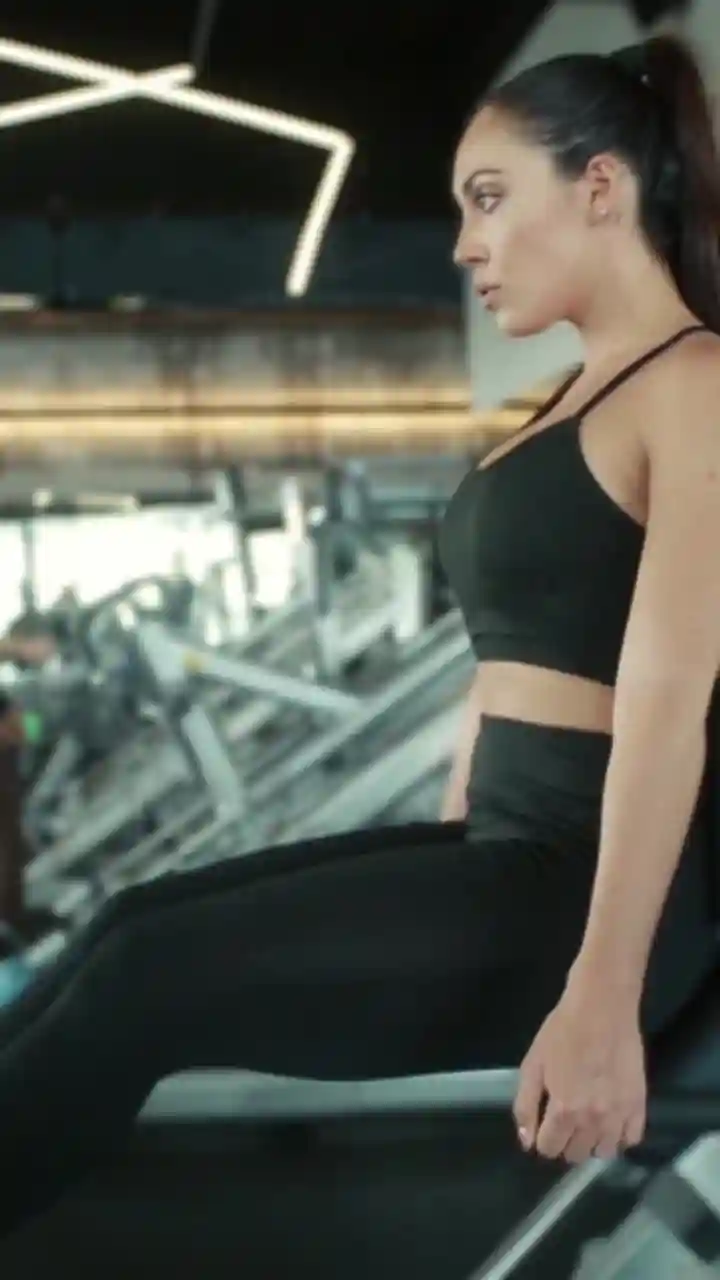
Fitness Coach

Turn tips, workouts, advice, training clips, or coaching points into simple social content.

Tips Coach
View services
Business

Office Business Ad

Turn services, offers, website copy, business details, or brand messages into clean short ads.

Ads Service
View business ad clips
Creator

Creator Studio

Turn creator footage, talking-head videos, ideas, or channel content into platform-ready clips.

Creator Shorts
View Shorts editing

Not sure which clip style fits your content?

Start with the Free Clip Plan. Send what you have and we will help map the best first clip direction before you choose a paid package.

From long form to short form

We take the long. Deliver the short.

One video, podcast, meeting, review, offer, or business idea can become focused short-form content built for fast viewing and easier posting.
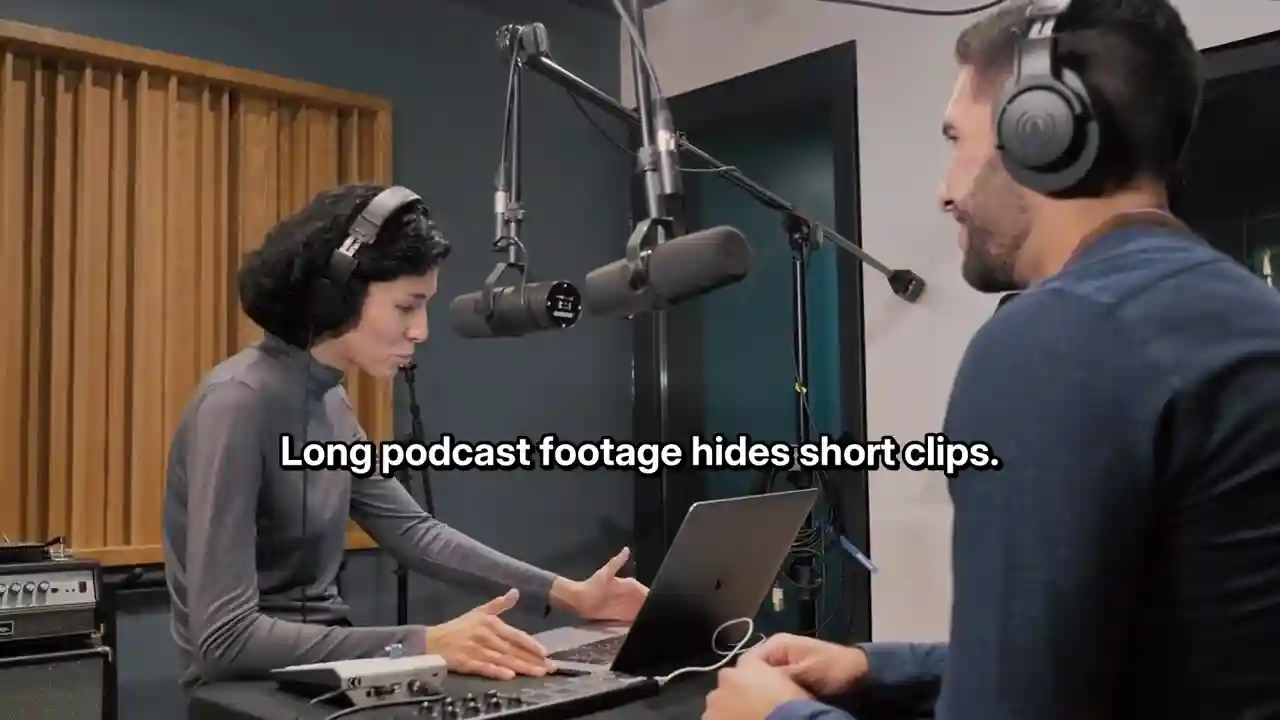
Before
Long podcast video source before short-form clip editing
Long source content

Raw content has the material.

The problem is knowing what moment to use, how to shape it, and how to make it clear enough for short-form platforms.
Find
Shape
Deliver
After
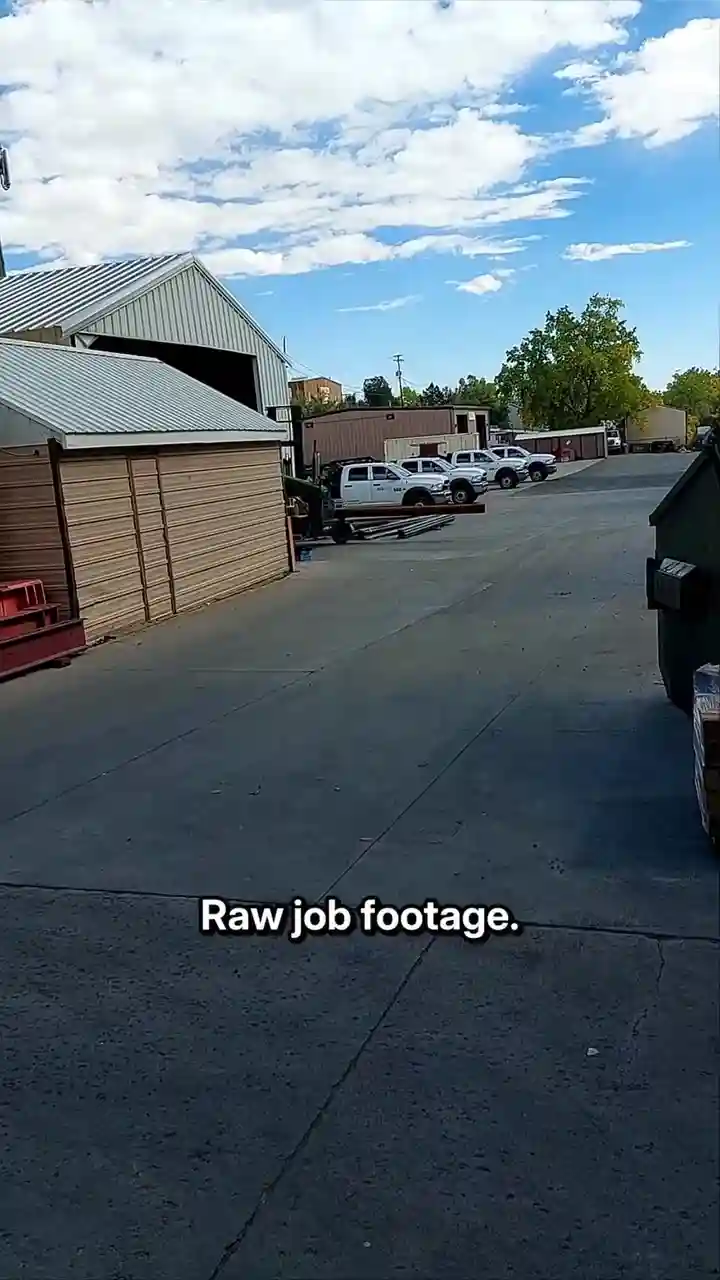
Short-form job story clip example Job Story
Job story angle Raw job footage becomes one clear story.
Short-form coach tip clip example Coach Tip
Helpful clip A lesson or tip becomes easier to watch fast.
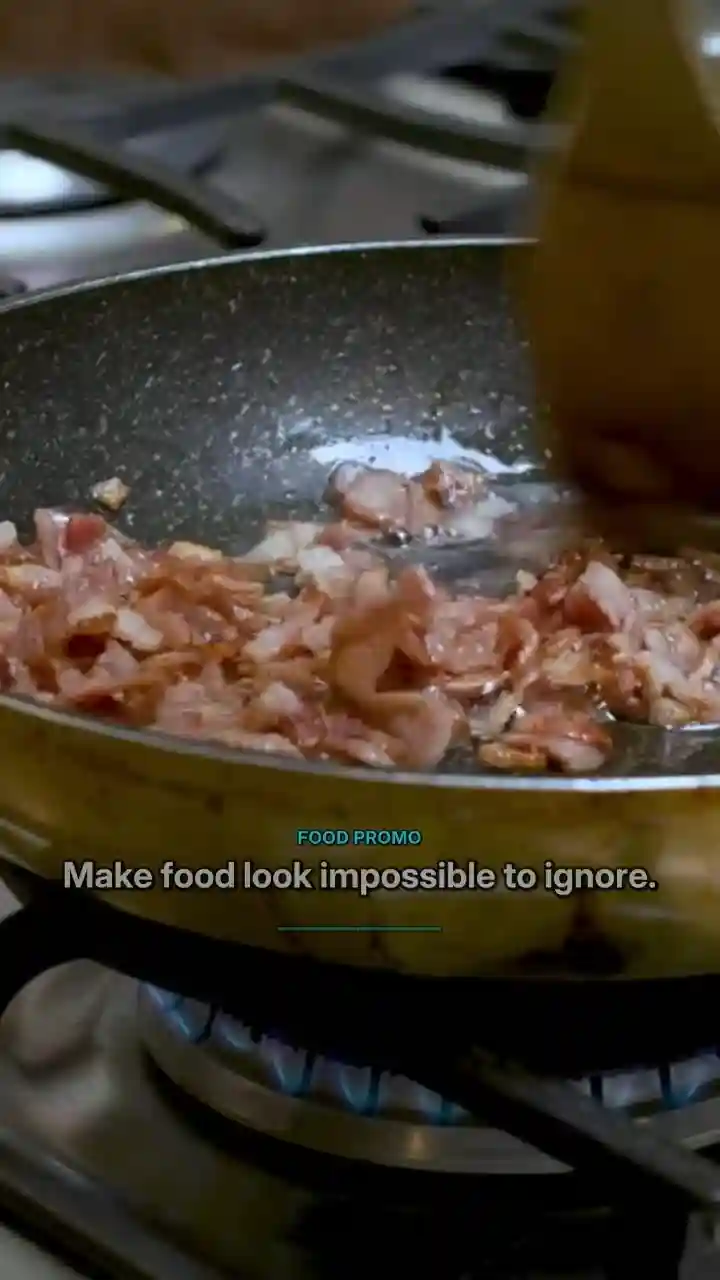
Short-form offer promo clip example Offer Promo
Promo angle An offer or service becomes a simple social clip.
We find the strongest moment, shape the message, format it for mobile platforms, and deliver organized clips you can review before posting.
Have one long video, podcast, or idea? Send what you have and we will help map the best short-form clip direction before you choose a package.
What’s included in every example

Every clip is built with purpose.

The examples are not random edits. Each clip direction is built around cleaner structure, better hooks, platform-ready formatting, and a clear reason to watch.

Smart Editing

We remove dead space, tighten the message, and keep the moments that make the clip easier to watch.

Captions

Readable captions help people follow the message even when they are scrolling with the sound off.

Platform Ready

Clips are shaped for vertical platforms like Reels, TikTok, Shorts, LinkedIn, Facebook, and ads.

Your Branding

Colors, captions, pacing, tone, and call-to-action direction are matched to your brand or offer.

Engagement Focused

Each example is built to create a stronger opening, clearer message, and better reason to keep watching.

Fast Turnaround

Most clip directions are prepared quickly so you can review, approve, and move toward posting faster.

Every example is meant to show direction, structure, and style possibilities before you send your own content.
Examples FAQ

Questions about the clip styles shown on this page

Understand what the examples represent, how closely a project can follow a sample direction, and what to send when a style interests you.

The page includes example-style directions that demonstrate layouts, pacing, captions, hooks, and content types. A visual should only be labeled as a verified client result when the customer, project details, and permission to show it have been confirmed.

An example can be used as creative direction, but the final clip is adjusted to your source material, brand, message, and available footage. The goal is to match the useful qualities of the example rather than copy every element exactly.

Send the example name or a screenshot, your source video or assets, your logo and brand colors, the message you want the clip to communicate, and the platform where you plan to post it.

Yes. A podcast, service video, review, offer, or project can support different clip directions when the source contains enough usable material. Separate styles may count as separate clips or concepts within the selected package.

They can. Brand assets are applied when they are supplied and suitable for the layout. When no brand kit is available, ClipCast Works can use a clean neutral direction that keeps the message easy to read.

Only with permission. Customer work is not presented publicly as a case study, example, or advertisement unless the customer approves that use.

Choose the example that is closest to your source material and goal, then start with the Free Clip Plan. The material can be reviewed before a package is recommended.

Ready to build clips like these?

Turn your content into ready-to-post clips.

Send your video, podcast, reviews, photos, offer, or business details. We will look at what you have and recommend the best first clip direction before you choose a package.

Scroll to Top